Generate a reference from an idea
Describe a character, object, or scene to make the first visual version of your brief. Explore proportions, materials, and a setting before choosing a direction for an illustration or model.
0 / 20000
Use this AI image generator to turn a written idea into a picture or develop an uploaded reference into a new image. Create character studies, prop concepts, product visuals, and illustrations for your next project.
Start from text when you want to explore. Add a reference image when you already know part of the look you want.
Describe a character, object, or scene to make the first visual version of your brief. Explore proportions, materials, and a setting before choosing a direction for an illustration or model.
Upload artwork or a photo and explain what to change. Use image-to-image generation to try another outfit, material, background, or visual style while referring to the features you want to retain.
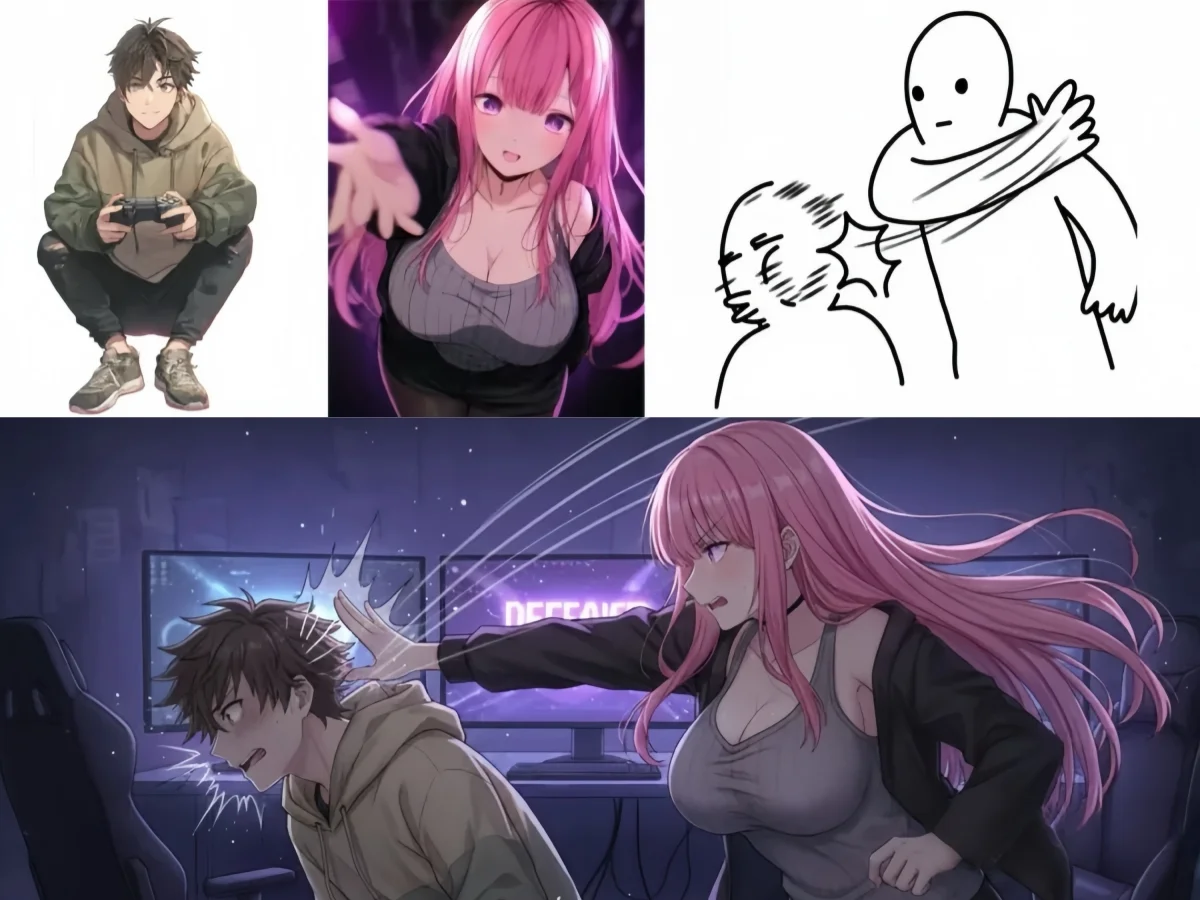
Describe what the image needs to communicate, then choose framing that makes those details visible.
Show the face, clothing, and silhouette needed to understand the design. Ask for a full figure when the outfit and proportions matter, or a closer view when facial details are the focus.
Name the main parts and materials. Choose an angle that reveals the object’s volume, with a simple setting when you want the shape to stand out.
Describe the focal point, viewpoint, and atmosphere. Leave open space for text or layout elements if the picture will become a banner, slide, or editorial graphic.
Keep a useful reference and make deliberate changes instead of starting the design over each time.
For a recurring character or object, reuse the clearest reference and describe its defining details. Specify what should stay and what should change, then compare the new result with the source.
With models that accept multiple images, explain each reference’s role: the subject, pose, color palette, or environment. Use a consistent subject reference while exploring changes in style or setting.
Use a supported aspect ratio that fits your destination. Keep the whole subject visible for a reference study, or leave deliberate space around it for a composition.
Review repeated parts, facial features, markings, and any requested lettering. Select the available resolution for your intended use and check the downloaded dimensions before placing the image.
Download a finished image for your layout, or use it as the starting point for another task.
Choose an image that shows the complete object and its shape clearly. Upload it to the 3D generator to create a mesh you can rotate, download, and develop in your 3D software.
Generate a 3D model from your referenceNeed the subject without its surroundings? Remove the background from an existing image, or generate a new transparent PNG when you want a standalone asset.
Choosing references, making variations, and using the final image.
Yes. Describe the subject and the details your reference needs to show. Text-to-image generation is useful for developing an initial character, prop, or scene before you have source artwork.
Use the same clear reference and describe the features to retain, such as hairstyle, clothing, and proportions. Image-to-image generation can carry those features into new scenes or poses; compare the variations before choosing a consistent set.
You can request those views, but the outputs may disagree on details. Treat them as design proposals and check that the face, outfit, and proportions match before using them as a multi-view reference set.
Image-to-image generation can create a new setting, but it may also reinterpret the subject. If you need to reuse the existing foreground, remove its background and place the cutout in your own composition instead.
Yes, with models that support multiple references. Check the upload limit shown for your selection and describe what each image contributes. Available image counts, aspect ratios, and resolutions vary by model.
Yes. Sign in to try free image generation on Tripo AI. Describe a character, prop, or scene, or upload a reference to develop a new version.
Describe a new look or bring a reference to develop. Create the image you need for your next step.
Start Free